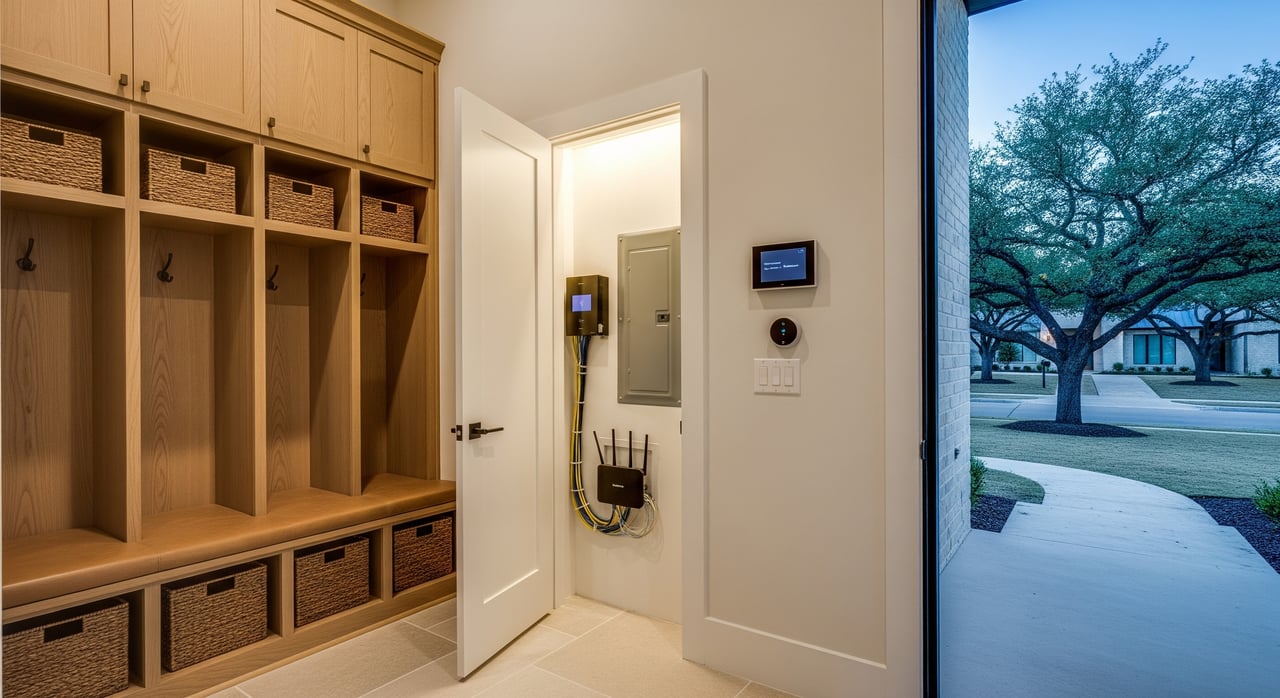
Just moved to Plano or getting ready to? Between boxes and deadlines, it is easy to miss a utility sign-up or permit that slows you down. You want lights on, water flowing, fast internet, and trash day sorted from day one. This guide gives you a simple, local-first checklist so you can set up services on time and avoid extra fees or surprises. Let’s dive in.
Your 30-day move-in timeline
30+ days out
- Research which utilities you must open and which are covered by a landlord or HOA.
- Check address-level availability for electricity plans and internet providers.
- If you plan renovations, review City of Plano permit rules and any HOA requirements.
- Notify your employer and benefits providers of your address change.
14–7 days out
- Contact your chosen retail electric provider to schedule service start.
- Set up your City of Plano water/sewer account, unless your HOA handles it.
- Order internet service and schedule installation or a self-install kit.
- Confirm trash and recycling service details for your address.
3–1 days out
- Confirm activation dates, deposits, and any required documentation.
- Get meter read guidance from the outgoing owner or landlord if possible.
- Prepare payment info for autopay or deposits.
Move-in day
- Photograph water, electric, and gas meter readings.
- Locate main water shutoff, gas shutoff, and electrical panel.
- Test water, power, HVAC, and gas appliances for normal operation.
- Verify internet connectivity and Wi-Fi coverage.
First 30 days
- Review first bills for accuracy and set up autopay if desired.
- Register with your HOA and request any required access fobs or decals.
- Pull permits for any planned work and schedule inspections as needed.
What you’ll need to open accounts
- Government-issued photo ID.
- Proof of residency or occupancy, such as a signed lease or closing statement.
- Social Security Number if requested for credit checks, or ask about alternatives.
- Contact phone and email.
- Bank account or credit card for deposits or autopay.
Tip: For rentals, confirm in writing which utilities the landlord pays. In many multi-family buildings, water and trash may remain in the landlord’s name.
Water, sewer, and drainage: City of Plano
Water, wastewater, and drainage in Plano are provided and billed by the City of Plano for most single-family homes. Some HOAs or private systems handle water in specific communities, so confirm with the seller or landlord.
- Set up your City of Plano Utility Billing account and choose a start date.
- Ask about deposits, billing cycles, late fees, and any assistance programs.
- On move-in day, take a clear photo of the water meter to document your start read.
- If you have an irrigation system, ask about irrigation meters, seasonal rates, and any backflow prevention requirements.
- Review city guidance for water conservation and procedures during freeze events or boil-water notices.
Electricity in Plano: how it works
Plano is in a deregulated electricity market. One company maintains the poles, wires, and meters, and separate retail electric providers sell you a plan.
- The local transmission and distribution utility for most of Plano is typically Oncor. Oncor fixes lines and handles outages.
- You shop and set up service with a retail electric provider. Compare price per kWh, contract terms, early termination fees, base charges, and renewable content.
- Schedule service to start on your move-in date. Expect an ID check and possibly a deposit.
- Photograph your meter on move-in day and confirm your start date with the provider.
Avoid common pitfalls:
- Do not confuse your retailer with the distribution utility. Retailers handle billing and plans; Oncor handles outages.
- Watch for automatic plan renewals or high base charges that offset a low per-kWh rate.
Natural gas: safety and setup
Many Plano homes use natural gas for heating, water heaters, or cooking. Atmos Energy is the primary natural gas distribution company in much of Collin County.
- Confirm if the property has gas service and open or transfer your account.
- Ask about any required safety checks or pilot light procedures before first use.
- Learn emergency steps and the location of indoor and outdoor shutoff valves.
Safety first:
- If you smell a rotten egg odor, leave the home immediately, avoid using electronics or switches, and call 911 and the gas company’s emergency line.
Trash, recycling, bulky items, and yard waste
The City of Plano typically provides solid waste services, though some HOAs use private haulers.
- Confirm your pickup day, accepted materials, and cart sizes for trash and recycling.
- Review rules for yard waste preparation and how to schedule bulky-item pickup.
- Note holiday schedule changes and any special procedures for appliances or electronics.
- If you live in an HOA, check rules for bin storage and curb placement timing.
Internet and home connectivity
Internet availability varies by neighborhood and building wiring.
- Check address-level coverage with major providers that commonly serve Plano, such as AT&T (fiber/DSL) and Spectrum, plus fixed wireless options.
- Decide whether to rent equipment or use your own modem and router.
- Schedule a technician install for fiber or request a self-install kit if eligible.
- Review speed tiers, data caps, contract length, promo pricing changes, and support.
If your work is time sensitive, consider a temporary backup like a mobile hotspot or 5G home internet until your primary service is live.
Permits, inspections, and HOA rules
Before you start any projects, check City of Plano permitting and your HOA’s architectural rules.
Common permits include building, electrical, mechanical (HVAC), plumbing, roofing, and fencing. Replacements like HVAC systems and water heaters often require permits and inspections.
- Confirm permit requirements with the City of Plano for your specific address.
- Obtain permits before work begins and verify your contractor’s licensing.
- Schedule required inspections and keep approvals for your records.
- Check setbacks, easements, and right-of-way rules before fencing or landscaping near property lines.
Quick move-in checklist
- Verify which utilities you must open versus those covered by the landlord or HOA.
- Shop electricity plans and set a start date with your chosen retailer.
- Set up City of Plano water/sewer service if applicable.
- Confirm trash and recycling details for your address.
- Order internet, choose equipment, and schedule install.
- On move-in day, photograph all meters and locate main shutoffs and the electrical panel.
- Test smoke and carbon monoxide detectors and replace batteries as needed.
- Within 30 days, set up autopay, review bills, register with your HOA, and pull permits for any planned work.
A smooth setup makes your first month in Plano a lot easier. If you want a partner to streamline your move timeline and neighborhood selection, the Katie Chu Group is here to help with local insight and a plan that fits your schedule.
FAQs
Who handles power outages in Plano?
- For outages or downed lines, contact the local transmission and distribution utility, typically Oncor for Plano. Call 911 if there is immediate danger.
How do I compare electricity rates in Texas?
- Use Public Utility Commission of Texas consumer resources and comparison tools to review plans by price, term, fees, and estimated bills at your address.
Do I need a permit to replace my HVAC in Plano?
- Most HVAC replacements require a mechanical permit and inspections. Confirm current requirements with City of Plano Building Inspections before work begins.
What should I do if I smell gas in my Plano home?
- Leave the home right away, avoid operating switches or electronics, and call 911 and the gas company’s emergency line from a safe location.
How do I find my trash and recycling day in Plano?
- Contact the City of Plano Solid Waste division or your HOA to confirm your pickup day, cart sizes, accepted materials, and bulky-item procedures.